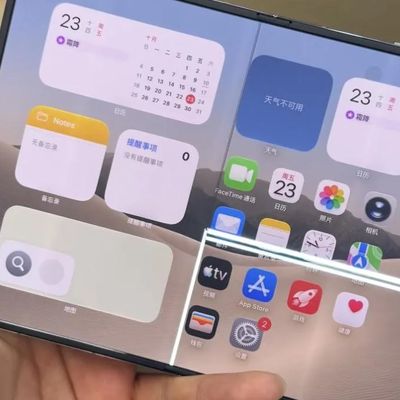
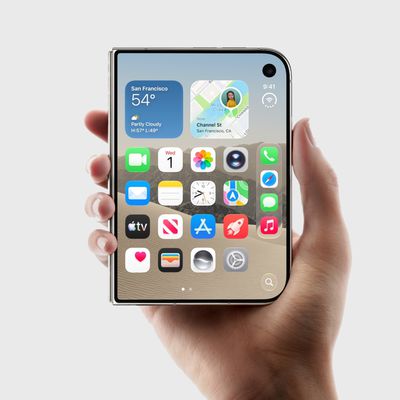
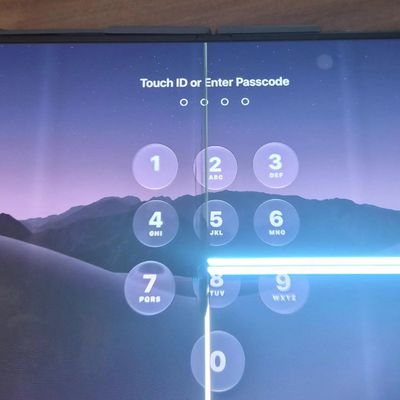
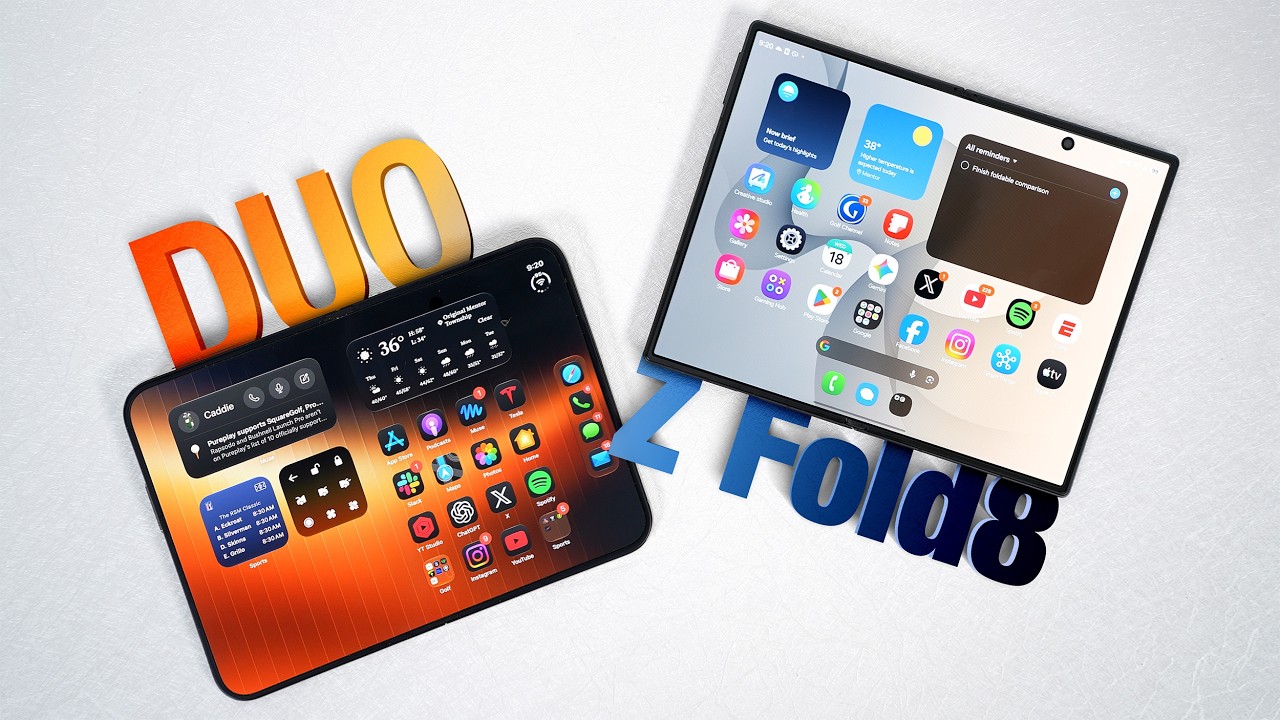
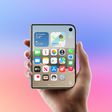
The iPhone Duo's folding design features two displays that introduce several new ways to use an iPhone. Over the past few weeks, we've covered the best of them, from Split View multitasking to hands-free group photos.
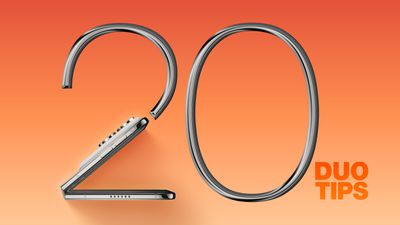
If you're lucky enough to be an iPhone Duo owner, we've collected the 20 top tips worth trying below. Full tutorials for each tip can be found in our how-to section.
Use Two Apps Side by Side
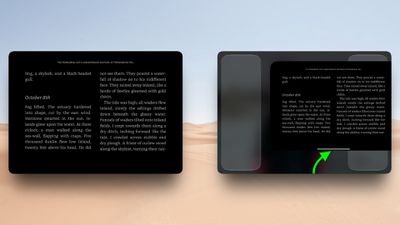
Unfold your iPhone Duo so that it's in landscape orientation, then swipe up from the bottom. Drag an app to the left or right edge, and then tap a second app to make it fill the other side. You can also touch and hold an app icon and tap Open in Split View. The split is fixed at 50/50, and only one app plays audio at a time.
Lock Two Apps as an App Pair
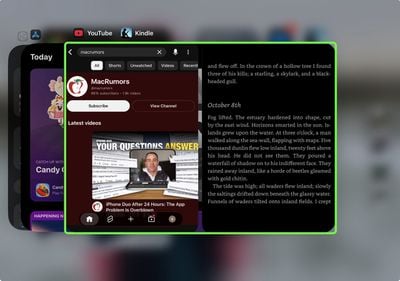
With two apps open in Split View, simply tap the divider between them to ensure they always launch together. If you change your mind, drag the divider fully to either edge of the screen to unpair them.
Reach for the Outer Display
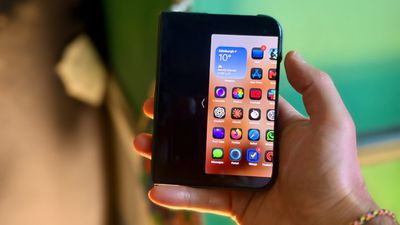
This one requires iOS 27.3, which is currently in beta. With your Duo closed, swipe left on the left edge of the outer display to bring the right side of the screen within reach, and vice versa. Note that it's on by default after updating to the beta (control it via Settings ➝ Accessibility ➝ Touch ➝ Reachability) and it works on the outer display only.
Keep a Video Playing Above an App in Portrait
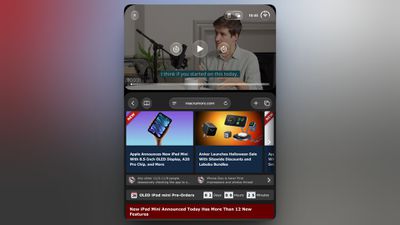
Rotating to portrait normally drops Split View to one app, but Apple has provided a workaround. Start a video in a Picture in Picture-supporting app like Apple TV or Podcasts, then tap the PiP icon, swipe up to the Home Screen, open the second app (it can't be another video app), and tap the newly visible stack icon in the PiP window to dock the video above it.
Silence Quickly with no Mute Switch
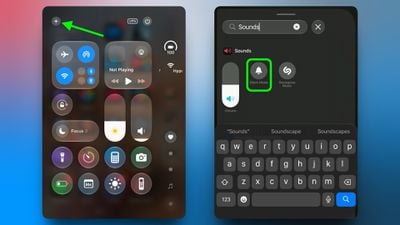
The iPhone Duo has no Ring/Silent switch and no Action button that you can assign to silence your iPhone. The quickest alternative is to invoke Control Center and tap the Silent Mode bell. If the control is missing, add it via the plus button ➝ Add a Control. You'll find it under the Sounds category. Note that alarms and media audio will still play in Silent mode.
Open Control Center With a Tap, Not a Swipe
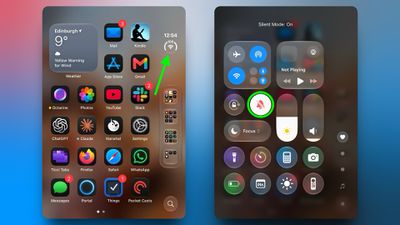
Tap the circular status bar immediately below the clock – the combined Wi-Fi, cellular, and battery indicator – instead of stretching for the top corner to swipe down Control Center. It sits even lower when a Live Activity is running, so it's often easier to reach one-handed. It also makes silencing the phone with the mute control a two-tap job.
Split the Keyboard in Landscape
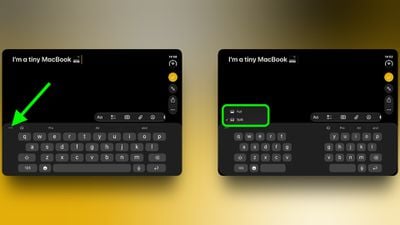
With your Duo unfolded in landscape orientation, tap the More (...) button at the top-left of the keyboard, then tap Split for a more comfortable typing experience. Don't like it? Simply choose More ➝ Full to rejoin the layout. Another tip to remember is that when your Duo is closed, you can long-press the globe or emoji key to shift the keyboard to one side for easier one-handed typing.
Use StandBy Without a Charger
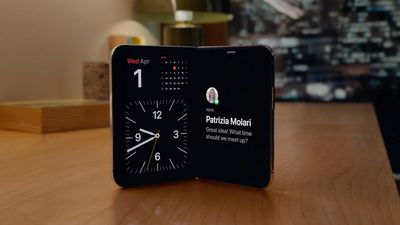
In Settings ➝ StandBy, you can tick the folding positions that you want, and if you keep Only While Charging switched off, you can enjoy your StandBy modes without a charger having to be plugged in. When you lock the phone, half-fold it like a book or make it into a tent shape it on a flat surface, StandBy will start automatically.
Turn the Hinge into an App Launcher
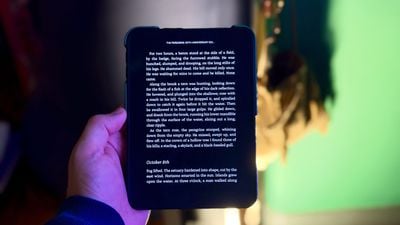
In Shortcuts, you can create an automation with the Opened or Closed trigger plus the Open App action, and your chosen app will automatically launch whenever you unfold the phone. For example, if you choose the Kindle app, unfolding the Duo feels like opening a book. You can also constrain it with conditions like time of day or Focus.
Unlock iPhone Duo With Your Face
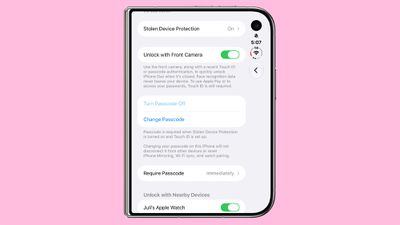
This one requires the iOS 27.3 beta 2, but it's a good one. If you authenticate into Settings ➝ Touch ID & Passcode, and toggle on the new Face Unlock option, you can unlock the device with the front camera. It only works at the Lock Screen when the Duo is closed, so you can't use it for authenticating Apple Pay purchases or inserting logins and passwords from the Passwords app. You also need to use Touch ID or a passcode for unlocking the iPhone Duo when it's unfolded.
Skip the Swipe Up With Rest Finger to Open
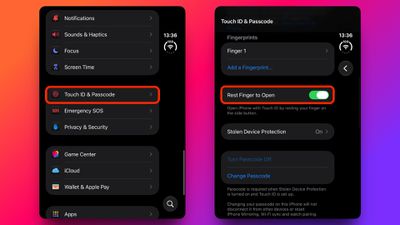
The toggle in Settings ➝ Touch ID & Passcode (also in Settings ➝ Accessibility ➝ Side Button) lets you open the phone straight past the Lock Screen, simply by resting your finger on the side button while the screen is awake. No more needing to swipe up to access the Home Screen.
Take Selfies With the Rear Cameras
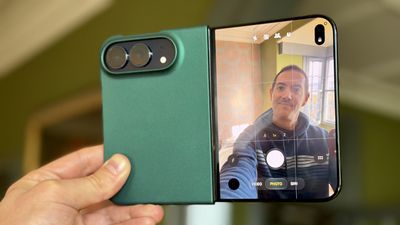
Unfold your iPhone Duo, open the Camera app, then turn the phone around and drag the Show Camera slider on the outer display. You'll get the 48-megapixel rear Fusion cameras with a live preview on the side facing you, plus you can shoot with the on-screen shutter button, a volume button, or Camera Control.
Let Someone Beside You Join FaceTime
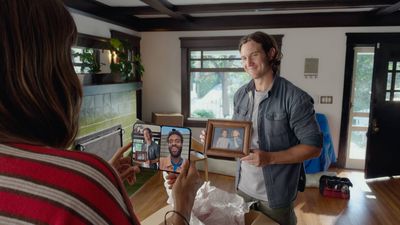
Next time you're on a group FaceTime call and someone in the room wants to join in, simply tap the screen, tap the More button, then tap Duo FaceTime. The makes the person next to you get their own view via the Center Stage front camera and the under-display camera, meaning nobody has to squeeze into the same frame.
Lock Rotation for Each Display Independently
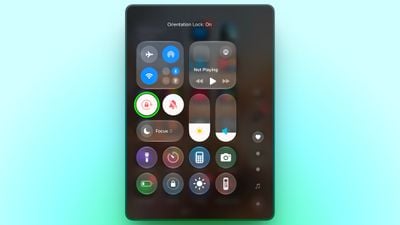
Found in Control Center, Orientation Lock on the iPhone Duo applies only to the display you're using when you enable it, so the outer display can stay locked in portrait while the inner display rotates freely. Note that videos will still rotate automatically in tent mode, regardless of the lock.
Make Volume Buttons Follow Rotation
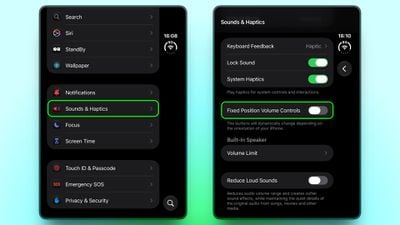
Go to Settings ➝ Sounds & Haptics, and turn off Fixed Position Volume Controls. The top or right button is then always volume up, whichever way you are holding the phone. Apple's documentation suggests this dynamic behavior is the default, but that hasn't been the case on the early units we've tested.
Shift Left Edge for Case Wearers
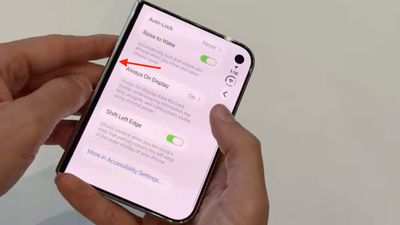
If you enable the toggle next to Settings ➝ Display & Brightness ➝ Shift Left Edge, it will inset the outer display so that your case doesn't cover on-screen content. Apple's official case prompts you to enable it, but you can also turn it on manually if you have a third-party case.
Unlock With Your Apple Watch
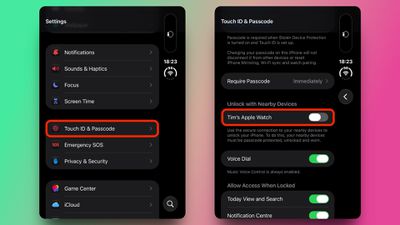
If you have an Apple Watch, this tip is an absolute game-changer. Go to Settings ➝ Touch ID & Passcode ➝ Unlock with Nearby Devices and toggle on your watch model. With the watch on your wrist (and unlocked), wake the Duo and swipe up, and the watch is your authentication – no Touch ID required.
Let Your Subject See the Shot With Duo Preview
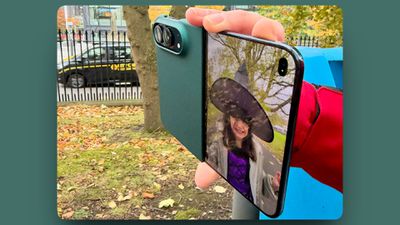
When lining up a shot in the Camera app, tap the Outer Display Options button and choose Duo Preview, and your subject will see a mirrored live preview on the outer display while you frame it up. You can do it for both photos and video.
Get Hands-Free Group Photos
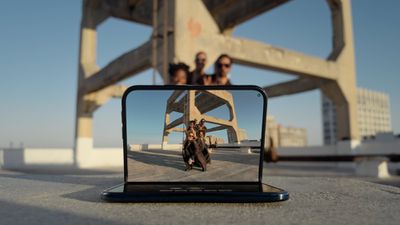
Prop your iPhone Duo somewhere steady, tap the Smart Take button in the Camera pp, and get in the frame. The device will capture automatically when you pose or hold still, and can take up to 20 photos. If you have it half-folded on its side, one half of the screen becomes the viewfinder and the other shows the shots that have already been taken.
Get the Attention of Kids and Pets in Photos
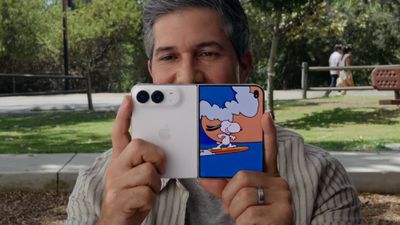
In the Camera app, Outer Display Options ➝ Kid Cue plays a Snoopy animation on the outer display to draw your subject's gaze while you frame them on the inner display. It's a good way to keep them looking at you for the ideal shot. The only trade-off is that they will appear like they are looking slightly off to the side, since it uses the main camera on the other hand of the phone.