You Can No Longer Downgrade From iOS 27 to iOS 26
Apple is no longer signing iOS 26.6.2, so if you've upgraded to iOS 27, there is no option to downgrade to a version of iOS 26. iOS 27 came out a week ago.
Software that is "signed" can pass a server-side verification check that Apple performs when a new version of iOS is downloaded. If an update fails the verification check, it can't be installed.
By unsigning software, Apple prevents customers from installing outdated, less secure versions of iOS.
If you haven't installed iOS 27 yet, you can still keep using iOS 26, but once you've upgraded, there's no going back. You also can't downgrade from iOS 27 to iOS 26.7 (which was released alongside iOS 27) because iOS 26.7 is an over-the-air update with no restore file available.
Popular Stories
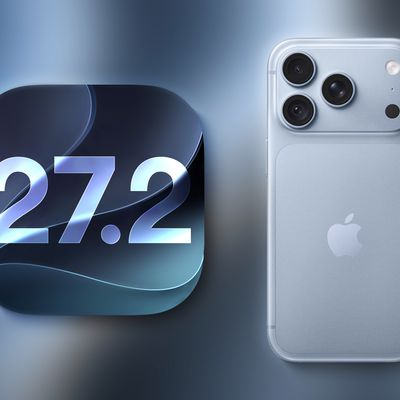
Apple released iOS 27.2, uniting the iPhone Duo and other iPhone models on the same version of iOS. iOS 27.2 is the first major iOS 27 update, and it adds several useful new features.
Siri AI Improvements
Siri AI can recall past conversations you had with it, so you can ask Siri about something it told you before, like a restaurant it previously recommended. It's also able to draw on more...
Apple today seeded the release candidate of an upcoming iOS 27.2 update to developers for testing purposes, with the update coming a week after Apple released the fourth iOS 27.2 beta. Apple also seeded the iPadOS 27.2 RC.
Registered developers can download the beta updates by opting in under Settings > General > Software Update and selecting the iOS 27 developer beta.
The beta was used...
The iOS 27.2.1, iPadOS 27.2.1, and macOS 27.2.1 updates Apple released today fix a handful of security vulnerabilities. With the security fixes implemented, it's a good idea to update as soon as you can.
A bug with iMessage could let a remote attacker join a group chat to receive its messages, and another could let users see messages sent before they joined a group chat.
Most of the...