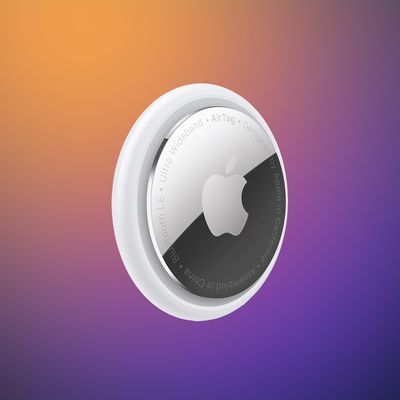
Apple Releases First Firmware Update for AirTag 2
Apple today released new firmware for its second-generation AirTag item trackers. The firmware has a 3.0.45 version number, up from 3.0.41, and it is the first firmware update that Apple has provided for the AirTag 2 that launched in January 2026.
According to Apple, the AirTag 2 firmware updates the unwanted tracking sound to make it easier to locate an unknown AirTag during Precision Finding. The software also contains bug fixes and other improvements.
In the past, new AirTag firmware was distributed on a rolling basis over two weeks, but it appears the latest firmware is available for all AirTag 2 users immediately.
You can check your AirTag firmware by opening up the Find My app, going to the Items tab, tapping on an AirTag in the list, and tapping on the AirTag's name to see its firmware version.
There is no way to force an AirTag update, and firmware is installed over the air via a connected iPhone. To get new firmware, make sure your AirTag is within range of your iPhone, and then wait for the firmware to roll out.
Popular Stories
Apple has paused development on a camera-equipped AI wearable, reports Bloomberg. The device was described as a pin or pendant that could be attached to clothing or worn around the neck.
A camera would relay information about the wearer's surroundings to Siri, like the rumored AirPods with cameras that could come as soon as 2027. The AI pin would have Visual Intelligence features, with Siri...
Apple's long-rumored smart home hub will have an iMac G4-style design and a host of unique features, Bloomberg's Mark Gurman reports.
The smart home hub is said to feature a square 6-inch display, with variants that can be placed on a countertop or mounted on a wall. It features a single FaceTime camera on the front, with microphones and speakers in its connected base. Gurman described the...
Apple plans to introduce a series of new smart home products on Tuesday, October 13, according to Bloomberg's Mark Gurman.
Apple reportedly plans to debut its long-awaited smart home hub device, a new HomePod mini, and a new Apple TV on the date. The new HomePod mini and Apple TV are set to retain their existing designs, but tout faster chips to support Siri AI. The new HomePod mini will...