

The iPhone X is here! Apple Stores around the world opened up at 8:00 a.m. local time on November 3 and deliveries kicked off around the same time, getting the iPhone X into the hands of millions of customers today.
We got our hands on an iPhone X this morning and spent the day testing it out to get acquainted with all of the new features. Check out the video below to see a walkthrough of the unboxing process and Face ID setup.
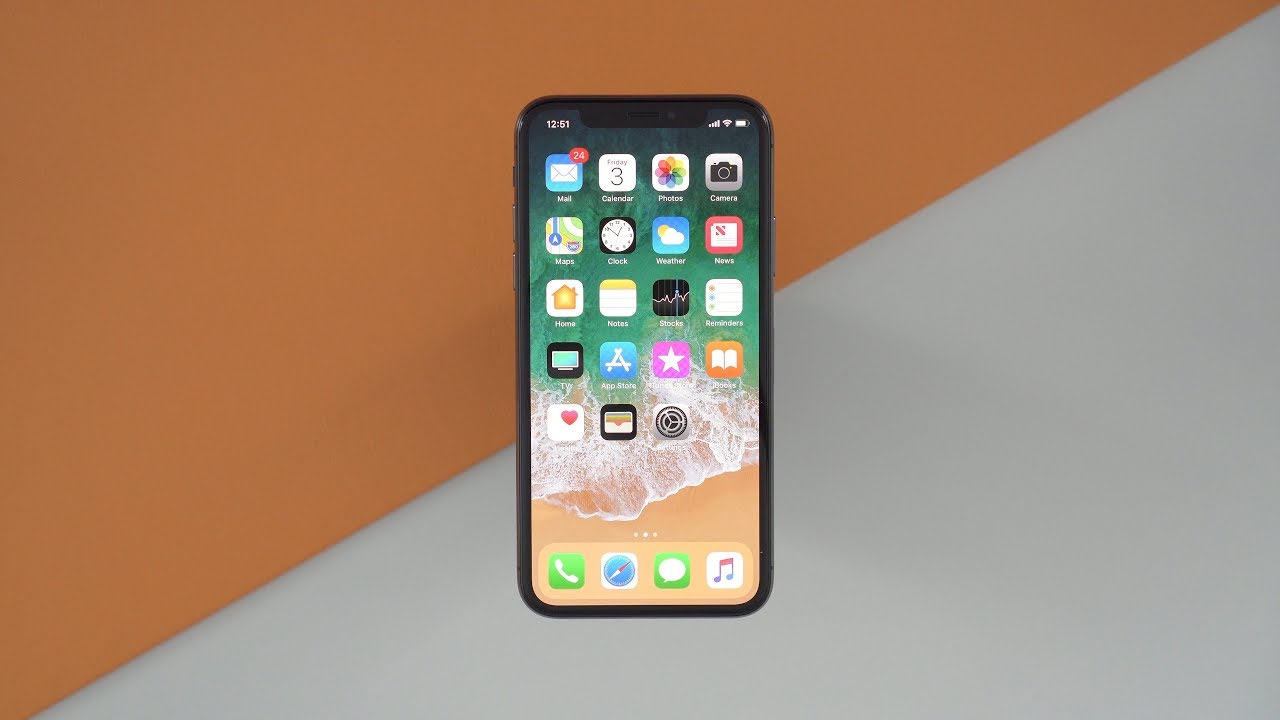

Our video also covers the new Studio Lighting feature available on the iPhone X, plus it goes through all of the new gestures you're going to need to learn to navigate through the iOS 11 operating system. Without a Home button, there's a whole new workflow to learn that can take a couple of days to get used to. Once you've got it down, though, it seems to be a more intuitive navigation experience.
Face ID takes under 30 seconds to set up, so getting the iPhone X up, running, and ready to recognize your face is incredibly fast. Face ID also seems to work quite reliably, and the new Animoji feature that comes alongside Face ID is fun to use.
We're going to be taking a much closer look at the iPhone X and going over every new feature in detail both on MacRumors.com and on YouTube, so stay tuned and make sure to follow our YouTube channel if you don't already.


















































